

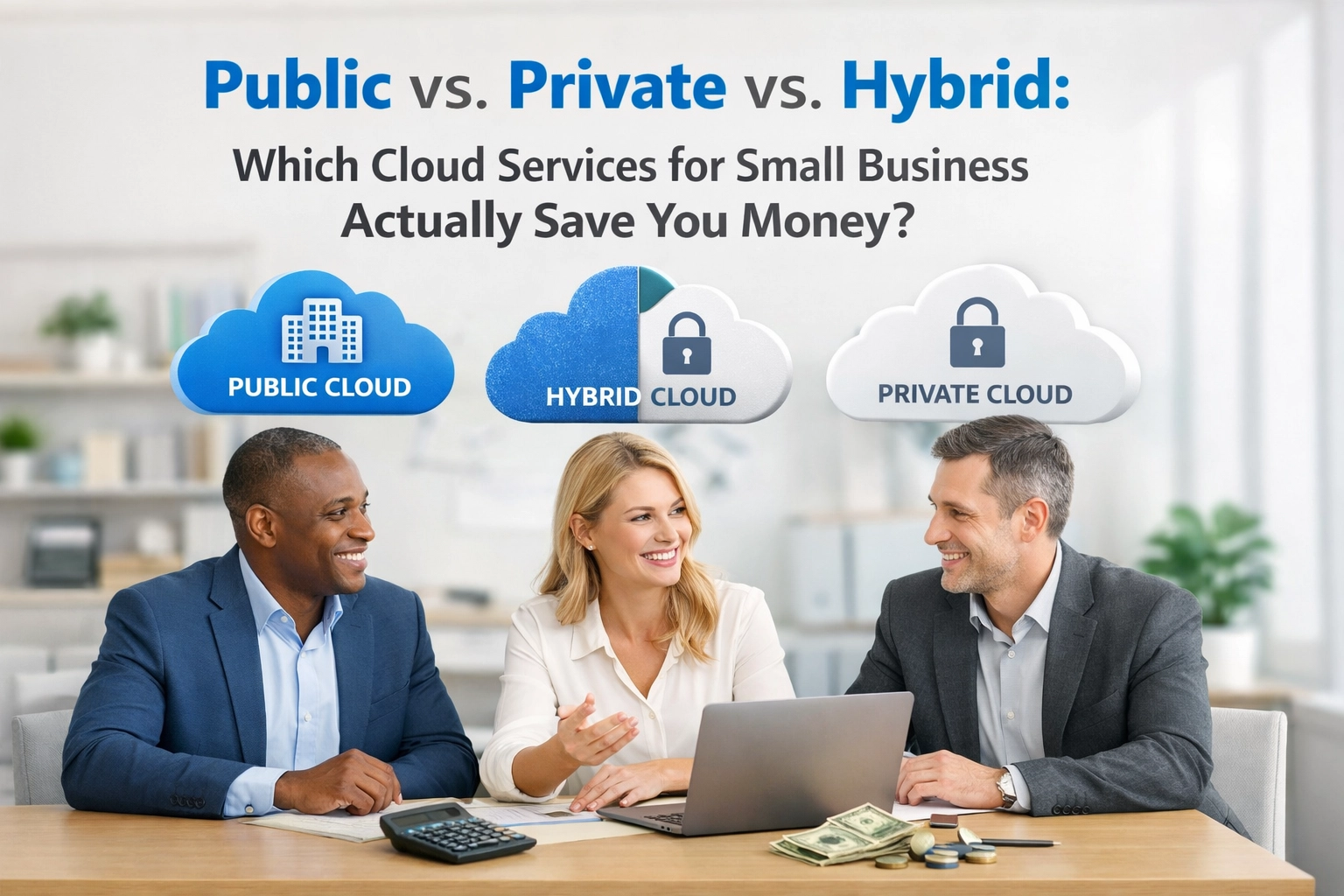
Finding the most efficient cloud services for small business is the key to balancing high-end performance with a budget that doesn't spiral out of control.
Let me ask you something: Have you ever looked at your monthly tech stack and felt like you were paying for a Ferrari when you’re just driving to the grocery store?
It’s a common feeling.
You know you need the cloud to stay competitive. You know your team needs to collaborate from anywhere. But every time you look at the different options: Public, Private, Hybrid: it starts to feel like you’re trying to learn a second language just to keep your files safe.
The truth is, the "cloud" is really just someone else’s computer.
The real question is: whose computer are you using, and how much are they charging you for the privilege?
At Platinum Web Services, we see business owners get overwhelmed by these choices every day. So, let’s break it down into plain English and figure out which model actually puts money back into your pocket.
The Apartment Analogy: Understanding Your Options
Before we talk about dollars and cents, let’s look at how these three models actually work. Think of it like choosing a place to live.
1. The Public Cloud (The High-Rise Apartment)
The Public Cloud is like renting a unit in a massive apartment complex.
Providers like Amazon (AWS), Microsoft (Azure), or Google Cloud own the building. You share the "infrastructure": the plumbing, the elevators, the roof: with thousands of other tenants. You have your own locked door, and no one else can see your stuff, but you’re all using the same foundation.
It’s the most popular choice for cloud services for small business because the "rent" starts low.
2. The Private Cloud (The Custom-Built Mansion)
The Private Cloud is like owning your own home on your own plot of land.
The entire "building" is yours. You don’t share the elevators or the plumbing with anyone else. You have total control over the security, the layout, and who gets a key.
This used to be only for the "big guys," but that’s changing.
3. The Hybrid Cloud (The Townhouse with a Shared Pool)
The Hybrid Cloud is exactly what it sounds like: a mix.
Maybe you keep your most sensitive client data in a secure private "room" but use the public "gym" for your day-to-day email and file sharing. It’s about balance.

Where the Savings Actually Happen
Most people assume the Public Cloud is always the cheapest.
In the beginning, it usually is. But as your business grows, the math starts to change. Here is how the costs break down for a typical small business.
Public Cloud: Pay-As-You-Go (Until It Goes Too High)
The biggest draw of the public cloud is that there is no "entry fee." You don't have to buy expensive servers or pay for a cooling system in a closet. You just sign up and pay for what you use.
This is great for startups. It’s flexible. If you hire five new people tomorrow, you just click a button and they have access.
But here’s the problem: it’s easy to let it get out of control.
Have you heard of "Cloud Sprawl"? It’s when you keep adding little services here and there, and suddenly your $200 monthly bill has ballooned into $2,000, and you aren't even sure what you’re paying for anymore.
Research shows that many businesses overspend on cloud resources by 20% to 30% simply because they aren't monitoring their usage.
If you’re wondering if your current setup is even the right fit, you might want to check out our guide on IT support vs managed IT services. It helps clear up the confusion on who should be watching those costs for you.
Private Cloud: The Higher Entry Price with a "Flat Rate" Future
A Private Cloud usually requires a higher upfront investment. You’re essentially "buying" the equipment or paying for a dedicated environment.
Think of it like a mortgage vs. rent.
Rent (Public Cloud) can go up every year. A mortgage (Private Cloud) stays relatively flat. For businesses with steady, predictable workloads, a private cloud can actually save a massive amount of money over a three-to-five-year period.
Once the equipment is paid for, your monthly "rent" drops significantly.
Plus, you aren't paying "egress fees." In the public cloud, some providers charge you every time you move your data out of their system. In a private cloud? It’s your data. You move it whenever you want for free.

Hybrid Cloud: The Strategic Middle Ground
The Hybrid model is often where we find the most savings for growing companies.
Imagine you have a big project once a year that requires a ton of computing power, but for the other 11 months, your needs are modest.
A Hybrid setup allows you to keep your "baseline" on a cost-effective private server while "bursting" into the public cloud only when you need that extra power.
You only pay for the "extra room" when the guests are in town.
The Hidden Costs You Didn't Budget For
When looking at cloud services for small business, the monthly subscription is only half the story. To truly save money, you have to look at the "invisible" costs.
1. Downtime
If the public cloud goes down (and it does, even for the giants), you are at their mercy. You can’t call Amazon and tell them to hurry up.
Every hour your team can't work is money flushing down the toilet. A localized or private setup often allows for faster recovery times because Platinum Web Services can get you back up and running without waiting in a global queue.
2. Security and Compliance
If you work in healthcare, law, or finance, your data security requirements are strict.
Failing an audit or suffering a data breach isn't just a headache: it’s a financial catastrophe. Sometimes, spending a little more on a private cloud to ensure total compliance saves you from a $50,000 fine later.
If you're worried about the latest threats, take a look at our Ransomware Protection 101 guide. It’s a great starting point for understanding how to protect that data, regardless of where it lives.

How to Choose Without Losing Your Mind
So, how do you actually decide? Here’s a quick cheat sheet we use at Platinum Web Services:
- Choose Public Cloud if: Your team size changes constantly, you have very little capital to start with, or your workloads are unpredictable.
- Choose Private Cloud if: You have steady, predictable data needs, you handle highly sensitive information, or you want to lock in your long-term costs.
- Choose Hybrid Cloud if: you want the security of a private server but the "infinite" scale of the public cloud for special projects.
The truth is, there is no "one size fits all."
Your business is unique. What saved your neighbor money might cost you a fortune.
It’s about awareness. It’s about looking at your data and saying, "Does this need to be in an expensive high-rise, or is it time to build our own foundation?"

Making the Transition
Moving to the cloud: or switching from one model to another: doesn't have to be a "rip and replace" nightmare.
Most businesses move in phases. Maybe you move your email first. Then your file storage. Then your custom apps. This allows you to test the waters and see the impact on your budget before you go "all in."
If you’re feeling like your current IT setup is more of a hurdle than a help, you aren't alone. We actually wrote a piece on 10 reasons your current IT support isn't working that might resonate with what you're feeling right now.
Let’s Find Your "Right" Cloud
At the end of the day, cloud services for small business should be a tool that helps you grow, not a bill that keeps you up at night.
Whether you’re looking to slash your monthly expenses, beef up your security, or just make it easier for your remote team to work together, there is a configuration that fits your budget.
You don't have to figure this out by yourself.
We help businesses like yours navigate these choices every single day. We look at the numbers, look at your goals, and help you build a cloud strategy that actually makes sense.
If you’re ready to stop guessing and start saving, we’re here to help. Reach out to Platinum Web Services, and let’s talk about how to make the cloud work for you.
0 Comments